In-ride camera control
Start and stop recordings and take photos from Karoo data fields.
AeroCam turns your Hammerhead Karoo into a remote for your DJI Osmo Action. Let ride triggers start and stop video, add highlights, or take photos. Your camera captures the moments while you stay focused on the ride.
GPL-3.0 licensed
Independent project — not affiliated with or endorsed by DJI or Hammerhead.
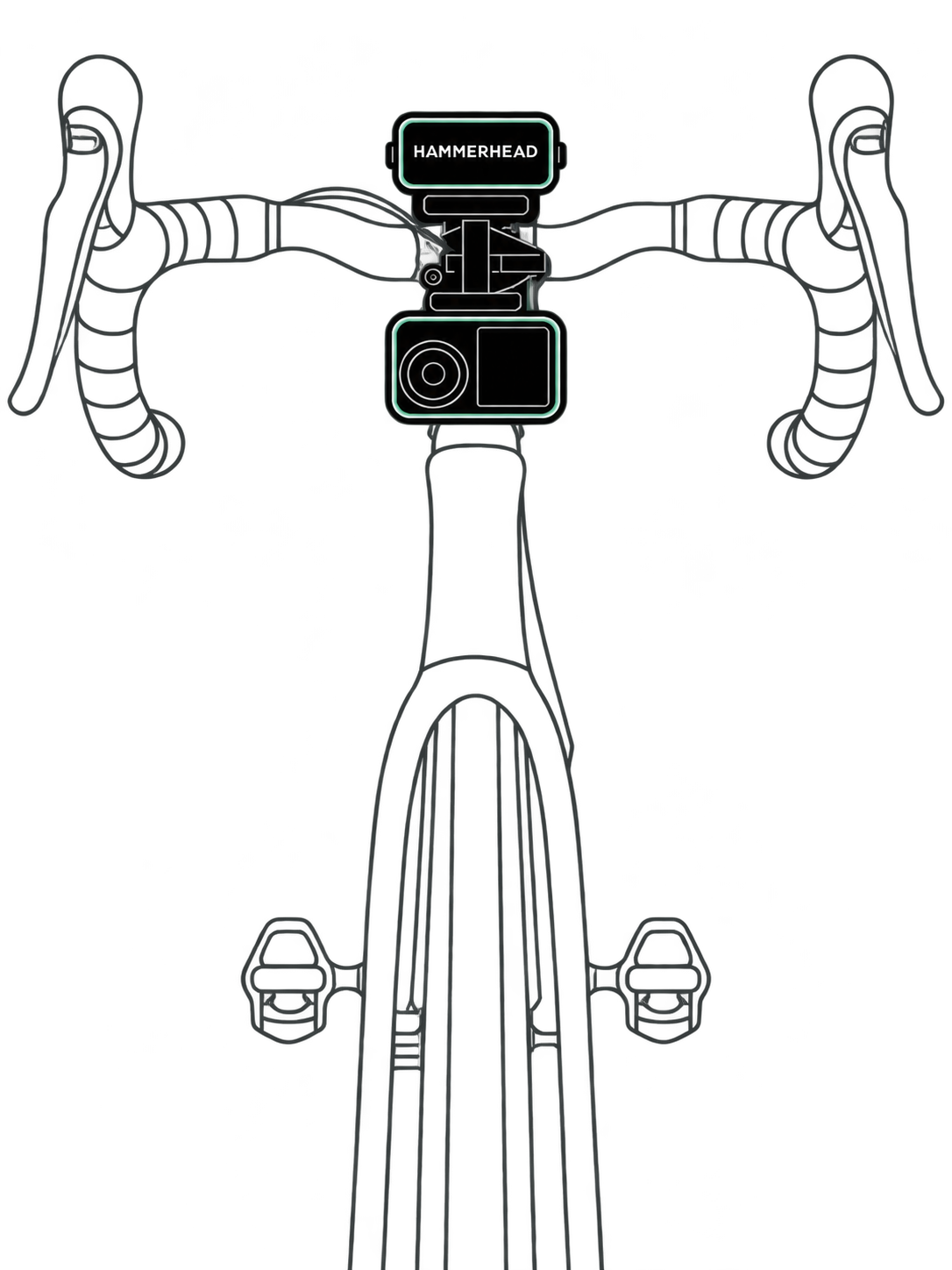
AeroCamStay focussed on your ride, not your camera.
Choose automatic recording, highlights or photos, then set triggers for climbs, speed or effort. AeroCam handles the capture while you ride.
By default, automatic video stops after one minute without an active trigger, and automatic photos have a two-minute minimum interval. Adjust these timings in Settings; manual controls remain available.
Triggers your chosen action when Karoo records a new lap.
Triggers your chosen action when your power crosses the configured wattage.
Triggers your chosen action when your speed crosses the configured threshold.
Triggers your chosen action when you reach the summit of a climb in your active route.
Triggers your chosen action when your heart rate crosses the configured threshold.
Capture a climb at your chosen positive gradient. Optionally require a minimum speed too.
Capture a descent at your chosen negative gradient. Optionally require a minimum speed too.
Adds a highlight at the start and end of a ride when the camera is recording.
Pick your mode
Auto video armed
Start and stop recordings and take photos from Karoo data fields.
Choose a small recording button or a full-page control widget, depending on how you like to use your ride screen.
Preparing for a ride is tedious enough. AeroCam reconnects automatically after you turn the camera on.
Choose automatic recording, highlights, or photos. Set triggers for your climbs, fast stretches and hard efforts, and let AeroCam handle the camera.
Osmo cameras can't be woken remotely once they power off. AeroCam's workaround keeps the camera in a semi-standby mode, so you can leave it mounted without worrying about it during the ride.
AeroCam streams live Karoo GPS data to the camera, including position, altitude, and velocity. You can then overlay that data onto the video using the DJI app or other external apps.
Your DJI camera automatically turns off after a period of inactivity, typically five minutes, even with a remote connected. AeroCam can prevent this with a modest battery cost, so you can leave the camera mounted without turning it on and off during a ride.
Based on a 2,100 mAh battery. Usage may vary.
On your phone, open AeroCam releases, long-press the APK download link, and share it with the Hammerhead Companion App. Tap Install on your Karoo. This method requires the latest-generation Karoo connected to Wi-Fi. See Hammerhead’s guide and requirements.
Open AeroCam and follow the onboarding tutorial to pair your camera and apply the recommended camera settings.
Add AeroCam data fields to your ride screens. They come in different sizes and options, so you can find what works best for you.
AeroCam started with a practical need: controlling a mounted camera from the Karoo. Different ideas were mocked up in Figma and implemented by large language models. Human direction shaped the interface for ease of use, with experiments and daily use on real Karoo and Osmo hardware guiding the result.
Did AeroCam help you? A GitHub star is the only usage signal an open-source project gets — and it takes one click.